



Contents
Nowadays, every company has a website where customers can view and order their products. Businesses understand the importance of having a website, as it allows people to visit the website and learn about the company even if they don’t have a direct connection.
However, with the increasing number of mobile users, compared to computer or laptop users, it’s become apparent that people prefer to use their mobile phones more frequently than laptops. This trend has become a primary focus for businesses, and they are now striving to make their websites more mobile-friendly.
IT specialists and web developers are working hard to improve the touch experience of every mobile phone, as the ease of access and quality content are crucial in attracting users. Building a mobile-friendly website has become a significant concern, and this article will provide useful information to help people build their websites accurately. Let’s delve into the details required to make a website mobile-friendly.

What Does It Mean by Mobile-Friendly Website?
The primary objective of creating a mobile version of a website is to provide consistent features for desktop and mobile users. This ensures that users have a seamless experience when switching between different devices. To achieve this, the entire website layout is optimised for mobile devices.
Importance Of Having a Mobile-Friendly Website
Many companies are working to make their websites mobile-friendly, which means they are designed to be easily accessible and user-friendly on both computer screens and mobile displays. This is important because many people use their mobile devices to browse the internet and make purchases.
For example, if you want to buy headphones, viewing them on a mobile phone rather than a laptop screen is much more convenient. By offering a consistent experience across all devices, companies can save their customers from inconvenience and ensure that their websites are easily accessible to everyone.
How To Check If Your Website Is Mobile-Friendly?
It is crucial to verify a specific implementation rather than its actual implementation. To meet Google’s requirements, a mobile-friendly website is a must. A mobile-friendly website will be more appealing to Google, which can increase organic traffic.
Additionally, there are other mobile-friendly website checkers available, such as MobiReady and W3c Mobile OK Checker. MobiReady enables you to view your website’s format through the lens of a mobile screen. You can analyse the necessary changes based on the score or points to make it more mobile-friendly.
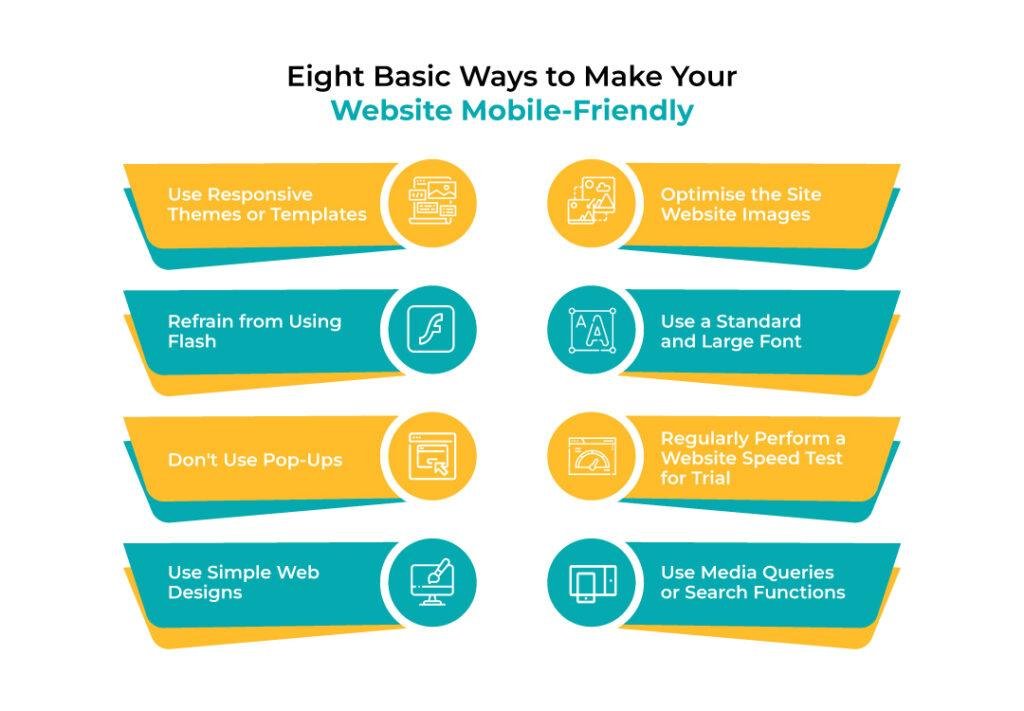
Eight Basic Ways to Make Your Website Mobile-Friendly
There are many ways to improve your website’s ranking on Google. Professional web developers use these methods to ensure high-quality content and a better user experience. By implementing these techniques, you can attract organic traffic to your site, resulting in increased website traffic and, ultimately, higher sales of your products.
Use Responsive themes or templates.
A successful website can engage customers for a long period. To achieve this, it is important to have an appealing and simple template that works well on desktop and mobile devices. Using responsive themes or templates is key to ensuring your website is mobile-friendly.
Engaging customers consistently through responsive themes is the key to building a strong relationship with them. Websites constantly communicating with their customers and providing quick responses tend to gain more organic traffic and appear at the top of search results when relevant keywords are used. Responsive themes make it easy for customers to stay in touch with the organisation, and this convenience is crucial for building long-term customer engagement.

Eye-catching themes can help calm customers down and save them from unnecessary mental frustration. Additionally, it can make your website more mobile-friendly. There are many templates available that website builders can use to fit perfectly into the missing puzzle of your website. Platforms such as Squarespace, Wix, and Themeforest provide templates that can help make your site extra responsive, making it more suitable for mobile use.
Optimise The Site Website Images
It is important to ensure that the width-height ratio and image optimisation of mobile programs are by each other. Failure to optimise images can result in pictures overlapping and compressing other program aspects. However, tools available can adjust images into portrait mode without compromising their quality. Kraken.io is one such free tool that can be used for this purpose.
Refrain From Using Flash
Flash is a tool used to create animations, but mobile devices do not support it. While it can be used on computers or in landscape format, it should be avoided on mobile devices to ensure the website is mobile-friendly.

Use A Standard and Large Font
Fonts play an important role in the description list, along with other elements. While many fonts are supported on computer screens, not all are supported on mobile screens.
When you shift your website to a mobile format, the entire content needs to be minimised to fit the mobile screen. This could make the font appear smaller than it was on the website. It is recommended to limit the font size to ensure that the text remains readable and understandable when shifting.
The ideal font size limit for mobile devices is up to 14px. Testing your website’s mobile version before launching it is crucial to avoid any technical issues. Successful trials can eliminate the chances of facing any such issues later on.
Don't Use Pop-Ups
A pop-up is a button that appears on your screen. However, incorporating pop-ups in your mobile mode can be difficult. Pop-ups can capture the user’s attention, but this feature is not supported on mobile screens as it can block important information.
Removing pop-ups from the mobile version of your website can help users focus on the main content. You can still have a button to assist users, but avoiding pop-ups can improve the user experience on small screens.
Regularly Perform a Website Speed Test for Trial
Performing a website speed test can help you identify and improve the speed of your website. By regularly monitoring your page performance, you can easily track your website’s progress in speed.
There are many online checkers available that can give you an idea of your website’s mobile friendliness. GTmetrix is a website speed test analyser that enhances and monitors website speeds.
Sometimes, website downtime can occur due to specific issues that require immediate attention. By regularly checking your website’s URL, you can handle such situations promptly. You can also check your website’s URL on different devices, such as mobile phones, tablets, MacBooks, and laptops.
The time it takes for a website to load is directly proportional to its efficiency and speed. A faster-loading website has a shorter load time. For instance, if a website takes 1.7 seconds to load, it is 75% faster than others.
Use Simple Web Designs
To make your website mobile-friendly, you can use Simple Nexus. Choosing a simple and subtle web design for this purpose is recommended. A simple web design is attractive to people with different preferences. Therefore, consistent features for desktop and mobile website versions with a simple web design will make your website mobile-friendly. If the web design is simple, any additional work required will seem doable.

Use Media Queries or Search Functions
Media queries can provide valuable insights into frequently asked questions. This can help you create a list of dos and don’ts for your website. A proper strategy is crucial to ensure your website is mobile-friendly. Implementing search functions and media queries can help achieve this goal.
Websites are essential for companies to showcase their features, products, or services to potential customers. It has become the primary means of communication between businesses and their users. Therefore, it’s crucial to ensure that your website is mobile-friendly to attract more customers in the future.
Conclusion
In conclusion, ensuring your website is mobile-friendly is crucial in today’s digital age. The steps outlined in this guide offer a comprehensive approach to achieving this goal. However, if you seek professional assistance to further enhance your website’s mobile responsiveness and align it with your business objectives, consider contacting Legend Digitech. Our team specialises in optimising websites to deliver a seamless mobile experience, supporting your business’s digital strategy.
references
How To Make Your Website Mobile-Friendly in 2022 | 9 Steps. (23 March 2022). Retrieved from Website Builder Expert: https://www.websitebuilderexpert.com/building-websites/how-to-make-website-mobile-friendly/
How to make Website Mobile Friendly? (21 July 2022). Retrieved from Browser Stack: https://www.browserstack.com/guide/how-to-make-website-mobile-friendly
How to Make Your Website More Mobile-Friendly. (6 May 2013). Retrieved from Entrepreneur: https://www.entrepreneur.com/business-news/how-to-make-your-website-more-mobile-friendly/226575


